Free Background Removal: Check the Limits Before You Upload
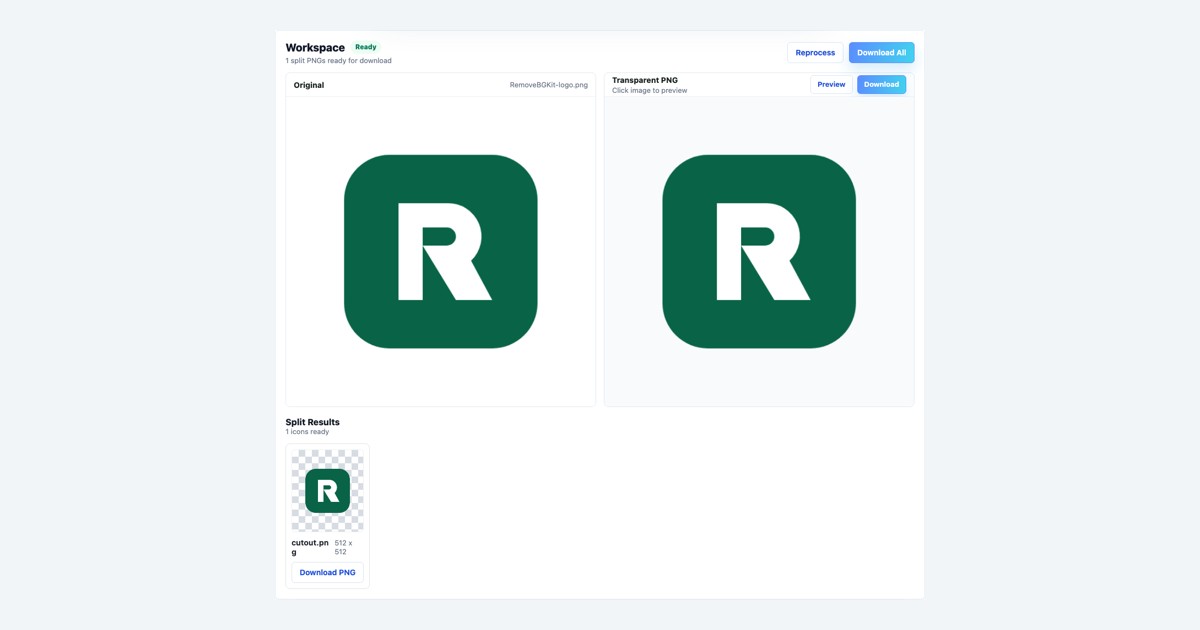
A free upload is useful only if you can download a file you can use. Before spending an allowance on the first photo in your camera roll, check what “free” covers: processing, previews, downloads, and the output you actually need.
Takeaway: prepare one representative image, confirm the current allowance, and inspect the downloadable result before processing the rest of a batch.
Check the offer at the point of use
Open RemoveBGKit and review its current pricing page. Look for an allowance count, whether it resets, and whether signing in changes it. Check how many credits an operation requires. If the page does not explain what happens after an unsuccessful result, do not assume those credits are refunded.
The pricing-page source reviewed for this draft on October 17, 2026 lists “3 one-time trial credits.” Credits are not an image count. This source review is not a live account check: use the current page and the allowance shown in your session before processing. “Free” and “unlimited” mean different things.
Choose one test that answers a real question
A plain object on a plain background can be a poor trial if your remaining images contain loose hair or fine product details. Choose a typical image from the job you want to finish. Keep the original file available so you can compare edges and missing detail.
Write down the intended use before uploading: a website product card, a presentation, or another composition. That tells you whether you need transparency and how closely you must inspect small features. Avoid testing an entire batch before you know whether the output suits that use.
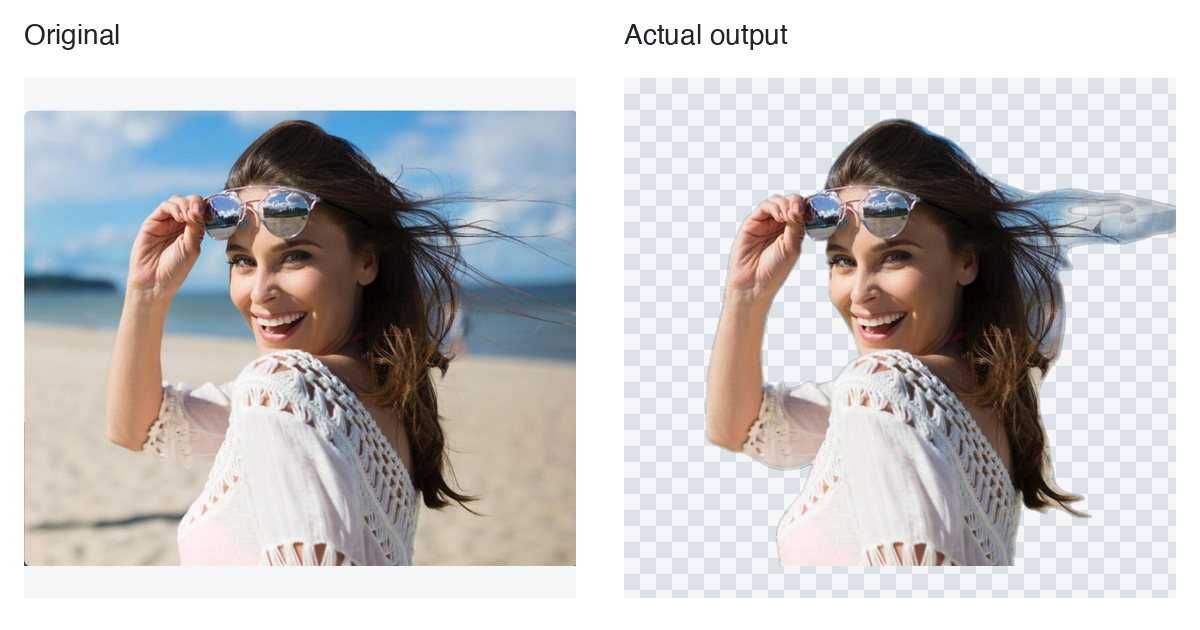
Historical project image from October 3, 2026. This portrait comparison illustrates a recorded processing result; it does not establish the current free allowance or predict results for another image.
Worked example: budget a trial before a batch
Suppose you have eight catalog photos. This is a hypothetical planning example, not a measured processing cost. Let B be the credits currently available and c the credits required for one selected operation. If the interface establishes a fixed cost, the upper bound is floor(B / c) operations. Until c is known, you cannot turn a credit balance into an image count.
| What you find | Decision |
|---|---|
| Cost and balance are both visible | Reserve one representative test; calculate the remaining budget afterward. |
| Only a credit balance is visible | Check the operation cost before planning the batch. |
| Failed-result refund rule is unclear | Budget conservatively; do not assume a refunded test. |
On RemoveBGKit, compare the Original and Transparent PNG, download that first result, and inspect it in the intended layout. A preview alone does not establish that your eight-photo job fits the allowance.
Decide whether another attempt is worthwhile
If a key detail is missing, identify the specific problem before uploading again. A better original may help more than repeated attempts with the same file. If your job needs manual edge reconstruction, this upload-and-download workflow should not be treated as a promise of a brush editor.
Final checklist
- Confirm today's free allowance and download conditions.
- Keep a usable original and choose one representative image.
- Inspect the actual saved file, not just the preview.
- Process more images only after that first result meets your needs.
Before using an allowance, review the background-removal workflow so the first image answers a specific question.